Monitoring Sync Details & History
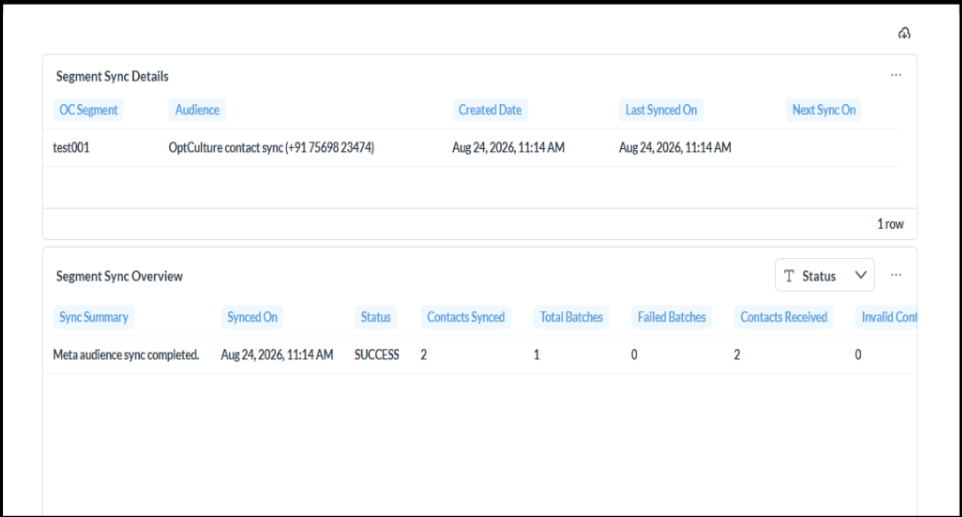
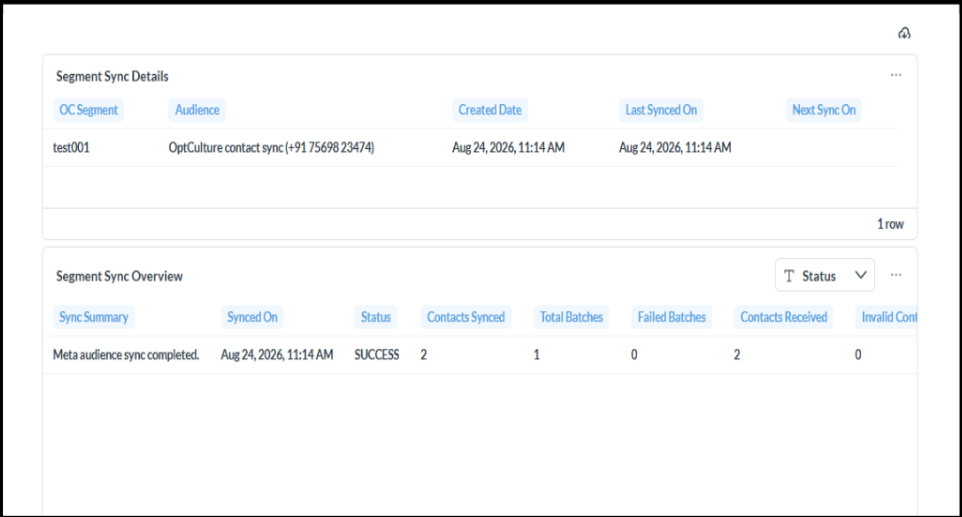
To inspect sync health and delivery logs, click the View (eye icon) under the Actions column on any sync entry.
Segment Sync Details
-
OC Segment & Audience: Verifies the mapped source and target lists.
-
Created Date / Last Synced On / Next Sync On: Displays execution history and upcoming runs.
Segment Sync Overview
-
Sync Summary & Status: Confirms overall execution state (e.g.,
SUCCESS). -
Batch Details: Shows Contacts Synced, Total Batches, Failed Batches, Contacts Received, and Invalid Contacts to help verify delivery precision.