
Understanding User Roles and Permissions
This model is built on two key user roles, each with distinct capabilities:
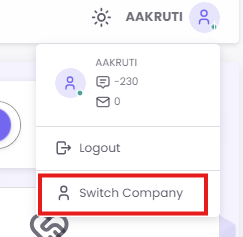
- Main User (Admin): This is the administrative account with full access to all data across all stores. The Main User is responsible for creating core brand assets (like Offers), assigning stores to specific users, and has the unique ability to "Switch Company" to view and operate the platform as if they were a Store User.
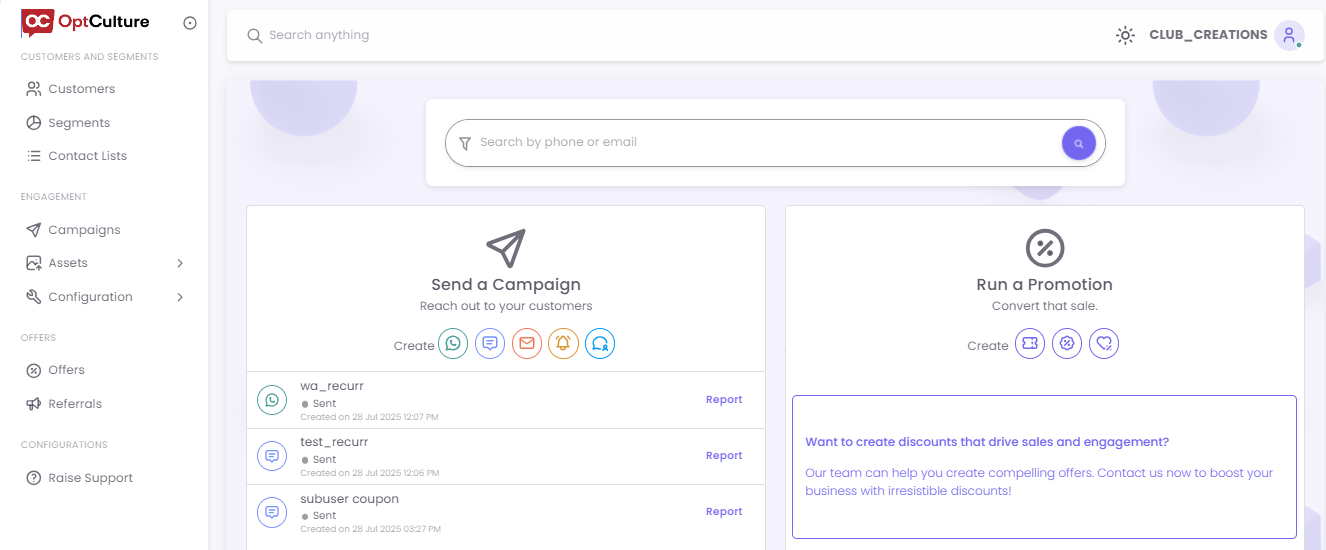
- Store User (Local Manager): This account has restricted access. Store Users can only see and interact with the data (customers, segments, reports) for the specific store(s) they have been assigned by the Main User.
Permissions Summary
The following table outlines the capabilities of each role.role Thisacross structuredifferent allows the Main User to set the brand strategy (e.g., create offers) and the Store User to execute it locally (e.g., send campaigns to their customers).features:
|
Feature |
Main User Action |
Store User Action |
Data Visibility |
|
|
|
Can view |
Can |
Store-specific (but loyalty balance can be searched globally by mobile number). |
|
|
Segments |
Can create segments for stores (when |
Can only |
cannot create new segments. |
|
|
Contact Lists |
Can upload lists for stores (when |
Can only |
User-specific; lists are not shared. |
|
|
Templates |
Can add templates for stores (when |
Can only view and | User-specific; templates are not shared between users. |
Cannot create new templates. |
|
Offers |
Can create offers for all stores. |
Can only | Offers created by the Main User |
Cannot create new offers. |
|
Campaigns |
Can create and schedule for stores (when |
Can create and schedule |
Campaign reports are |