
Create a Loyalty Discount
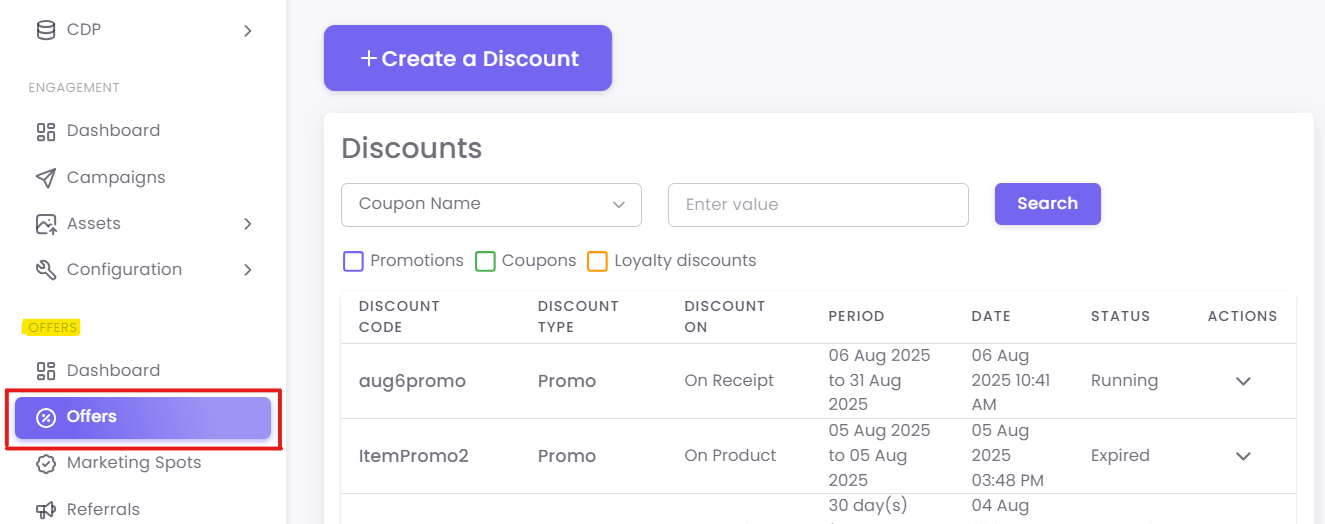
Step 1: Navigate to Discounts
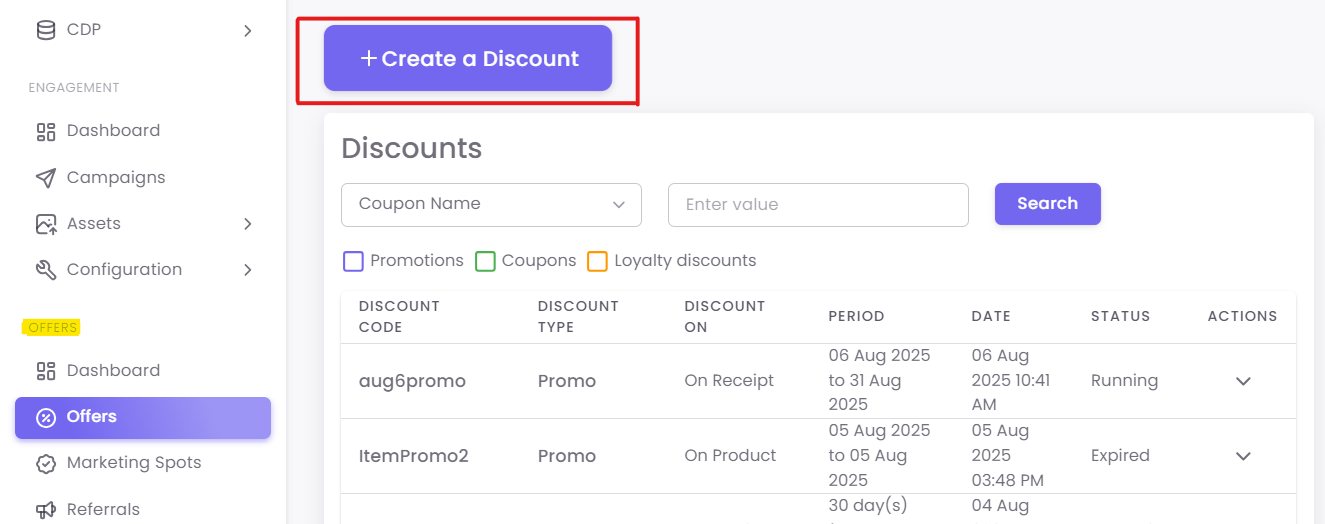
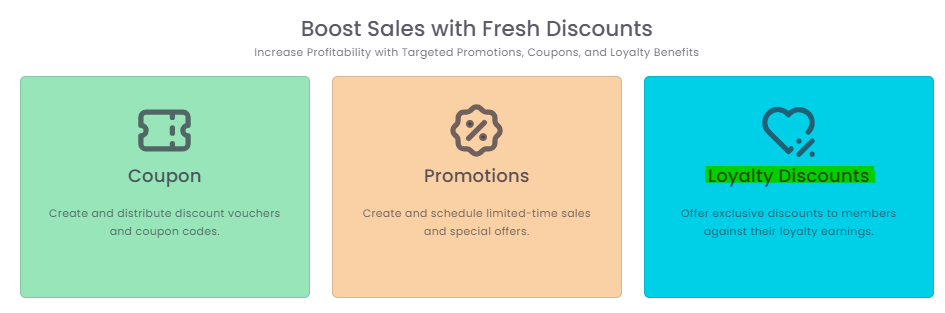
Click the +Create a Discount button and select Loyalty Discounts.
Step 2: Enter Coupon Details
-
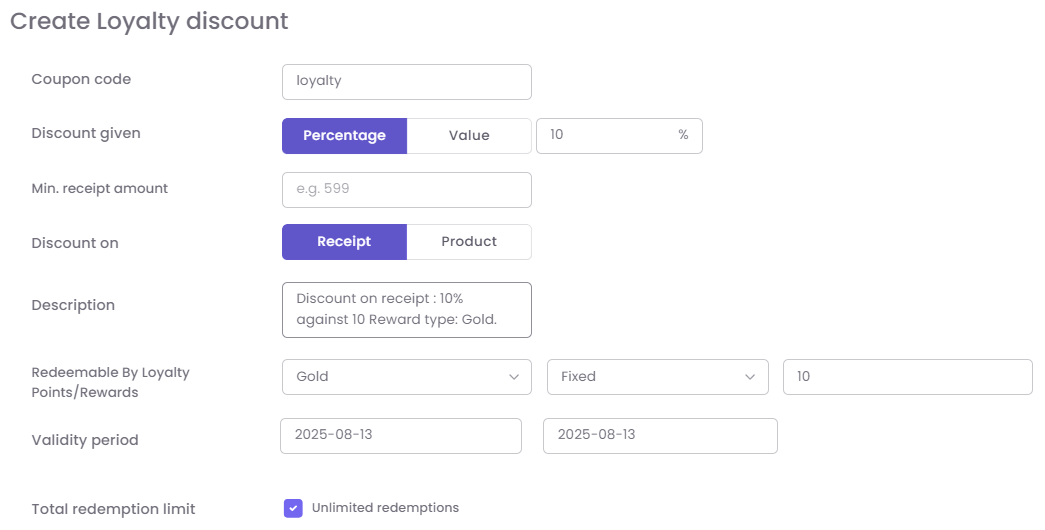
Coupon Code: A name for the discount (e.g., "10OFF-LOYALTY").
-
Discount Given: The value the customer receives (e.g., $10 Off).
-
Redemption Criteria: The "price" in loyalty earnings (e.g., "Redeemable for 1000 Points").
-
Minimum Receipt Amount: (Optional) The minimum purchase required to use this discount.
-
Validity Period & Redemption Limits: Set any timeframes or usage limits.
Click Save to create the Loyalty Discount.