Managing and Updating Your Contact List
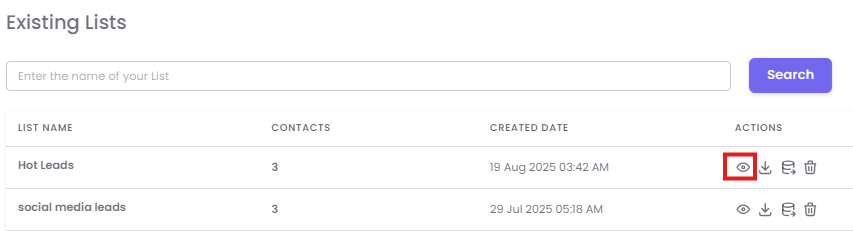
After saving, your new list will appear on the "Existing Lists" page.
Previewing a List
Click the Preview (eye) icon.
Updating a List
If you need to add more contacts in an existing list, you can update it with a new file.
-
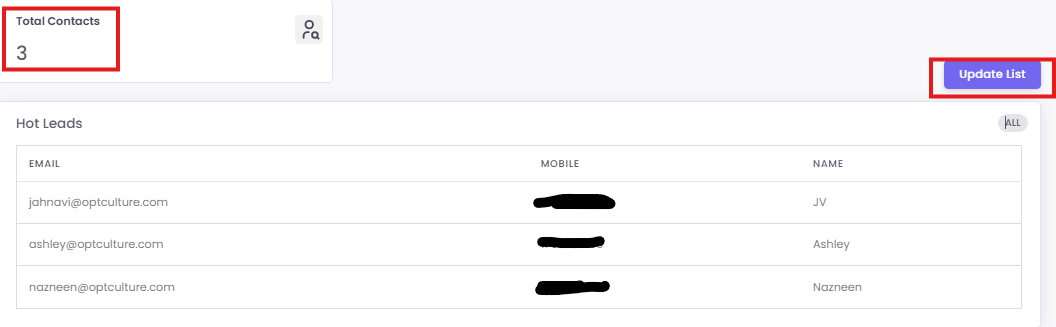
From the preview screen, click the Update List button.
-
Click to Upload CSV File and select your new file.
-
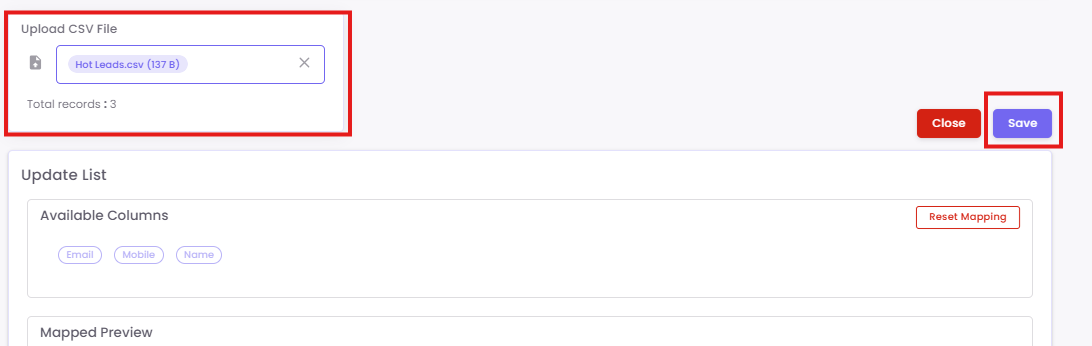
Map the columns if necessary and click Save for the updated data.