
Creating a Simple Segment
Step 1: Navigate to Segments
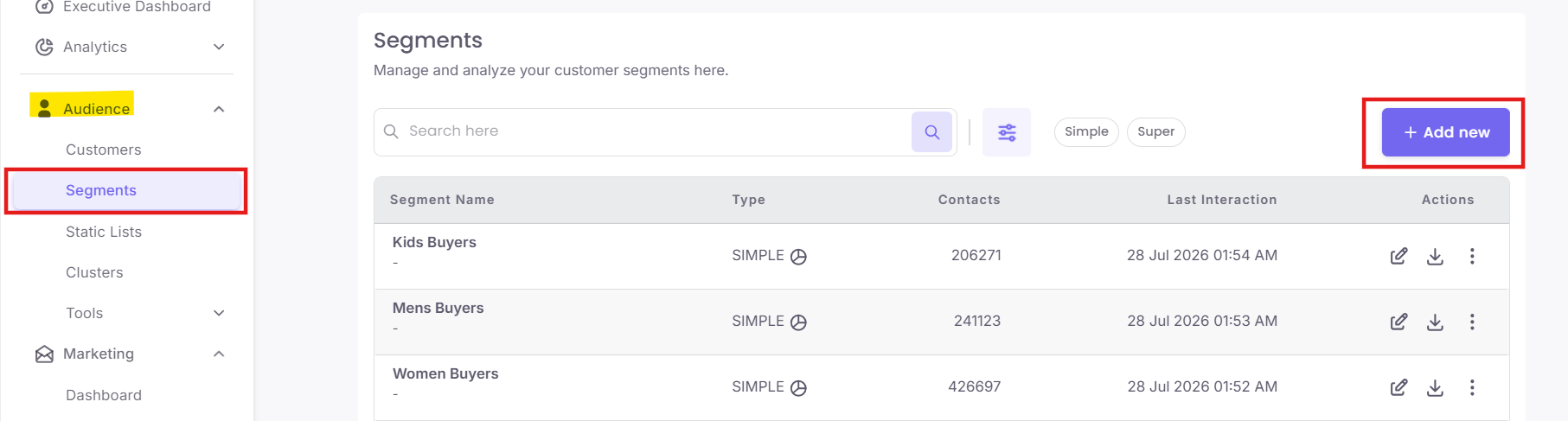
Step 2: Choose Your Segment Type
A pop-up will appear prompting you to choose between two segment types. Select Simple to build a new segment from scratch using specific filtering rules.
A pop-up will appear prompting you to choose between two segment types. Select Simple to build a new segment from scratch using specific filtering rules.