End-User Flow: How Customers Add Passes
Touchpoints for Delivery
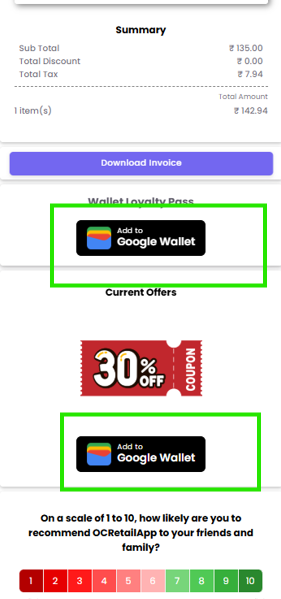
Customers will see the "Add to Apple Wallet" or "Add to Google Wallet" buttons in:
-
Post-Purchase E-Receipts: Sent via SMS, WhatsApp, or Email immediately after a transaction.
-
Marketing Campaigns: Blast messages promoting a new loyalty program or a specific coupon.
The User Experience
-
Receive Link: The user opens the communication (SMS/Email/WhatsApp).
-
Tap to View: They click the link to view their digital receipt or offer.
-
Add to Wallet: They tap the black "Add to Apple Wallet" badge or the colorful "Add to Google Wallet" badge.
-
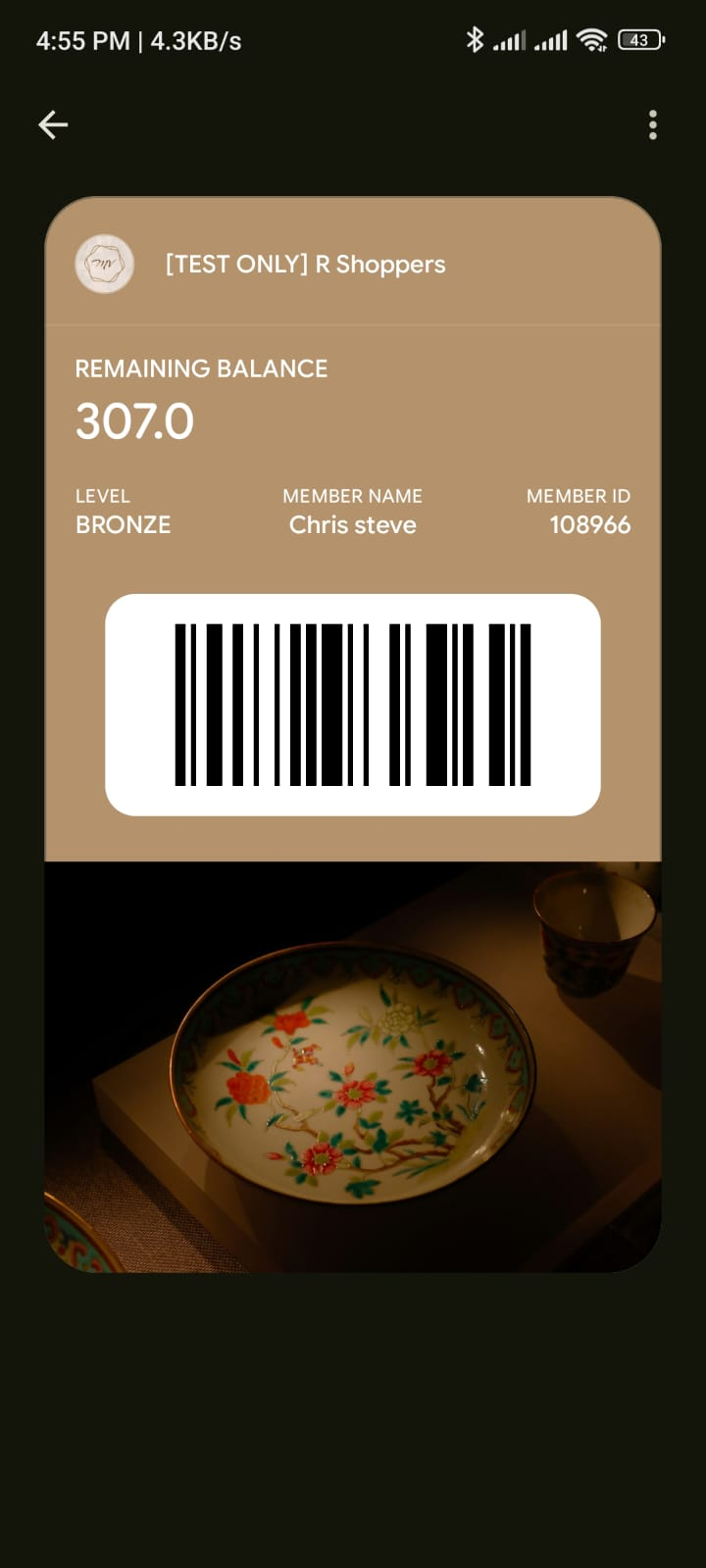
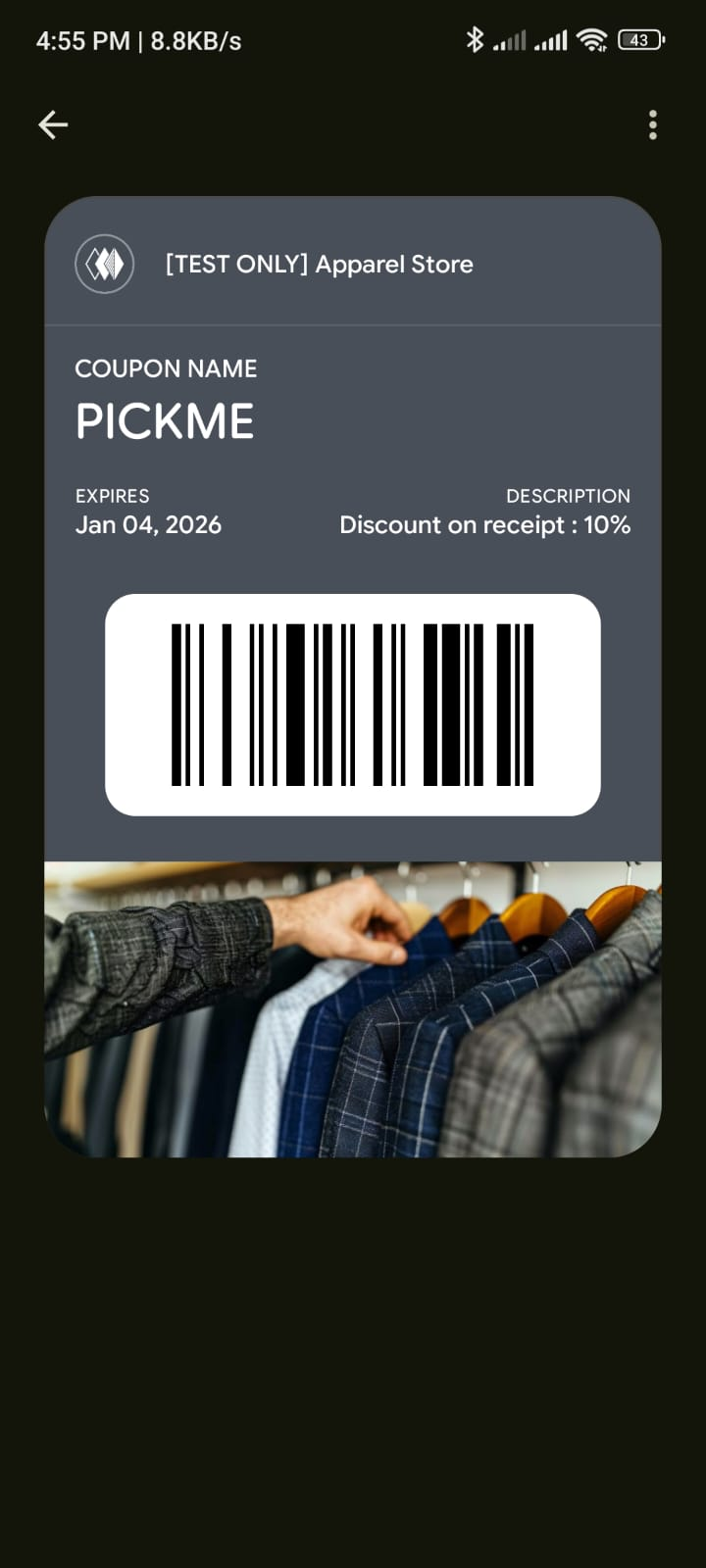
Confirmation: The pass flips into their wallet app, ready for use.