Update a Store
To update an existing store:
-
Go to the Stores
-
Use the search or filter option to locate the store you wish to update.
-
Click the Edit icon under the ACTIONS column.
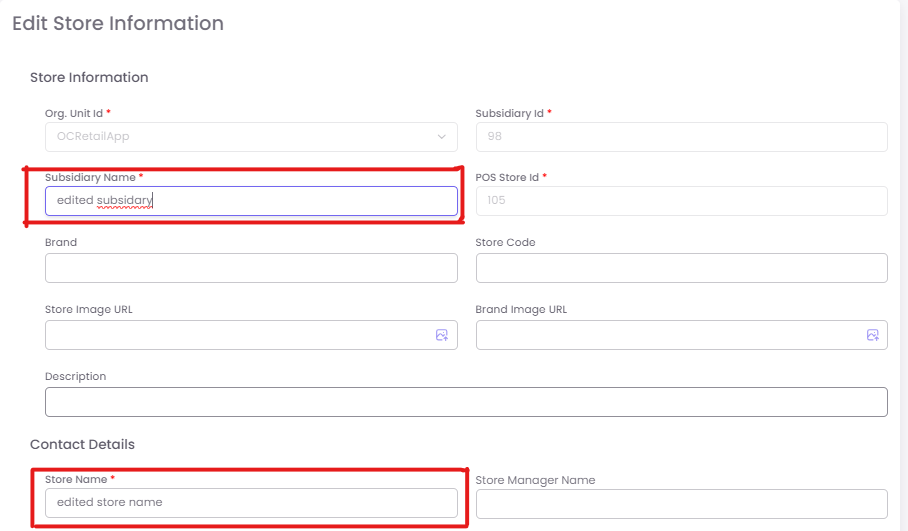
This action opens the same Enter Store Information form, but pre-filled with the store’s current data.
-
Make the necessary modifications in any section:
- Update store names, images, manager details, or address as needed.
-
Once changes are complete, click Save to apply the updates.