Edit an Existing Zone
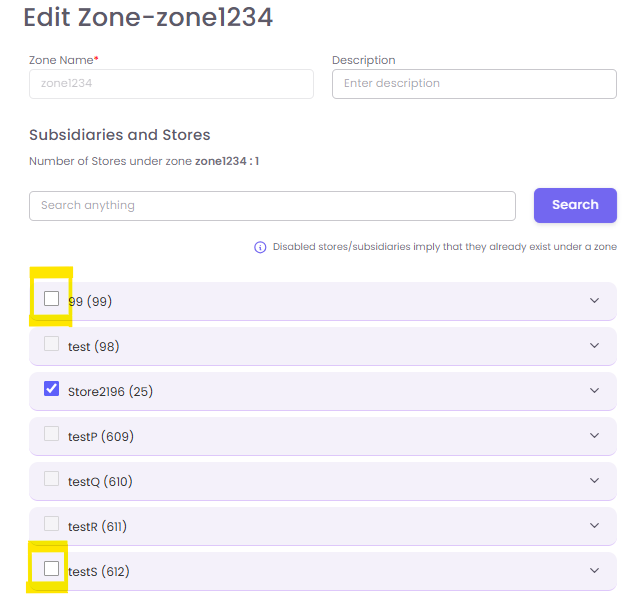
You can easily modify a zone's name, description, or the stores assigned to it.
-
From the main Zones management page, find the zone you wish to modify in the list.
-
Click the Edit (pencil) icon under the "Actions" column for that zone.
-
The same pop-up window will appear, pre-filled with the zone's current details.
-
You can now:
-
Change the Zone Name or Description.
-
Add stores by searching for them and checking the box.
-
Remove stores by unchecking the box next to their name.
-
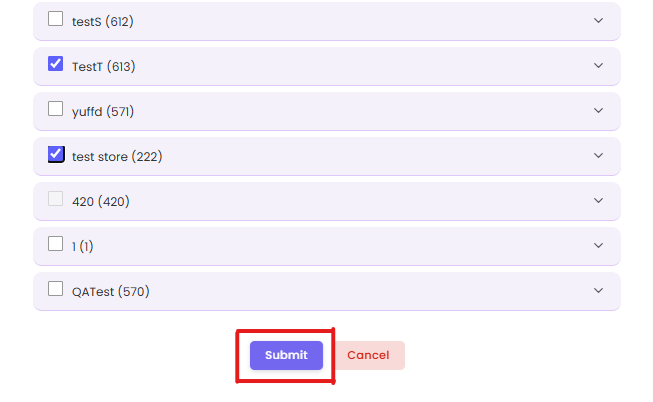
Click Submit to save your changes.