Part 1: Finding and Accessing a Customer Profile
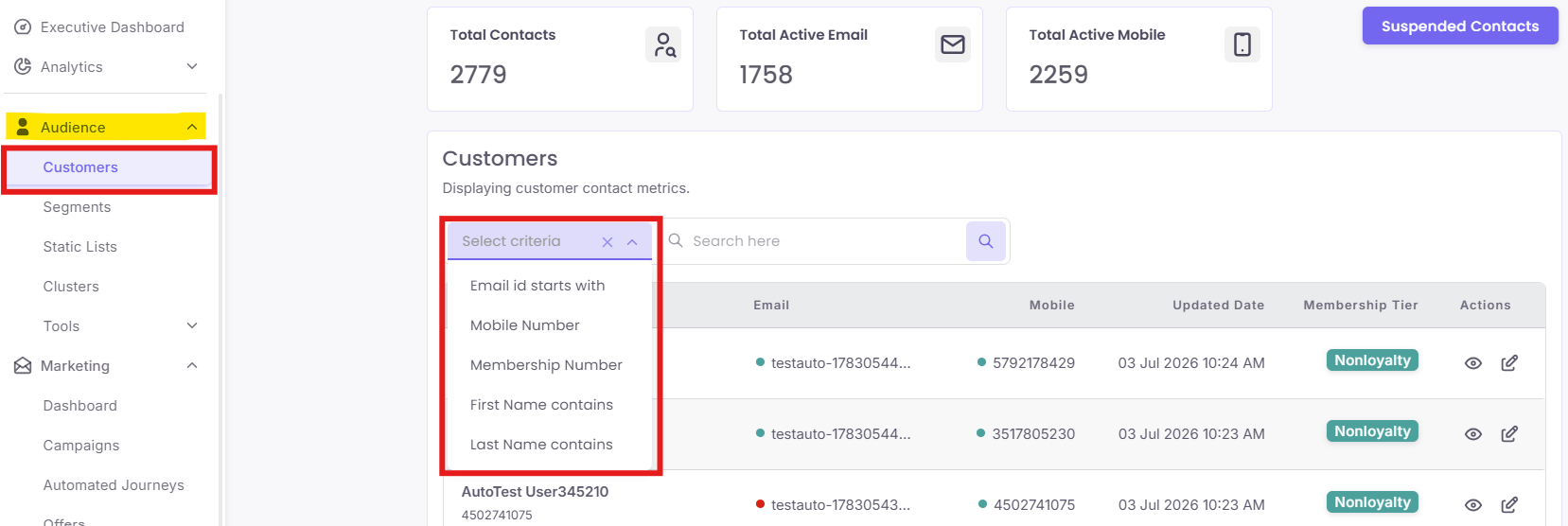
Step 1: Search for a Customer
Step 2: Open the C360 View
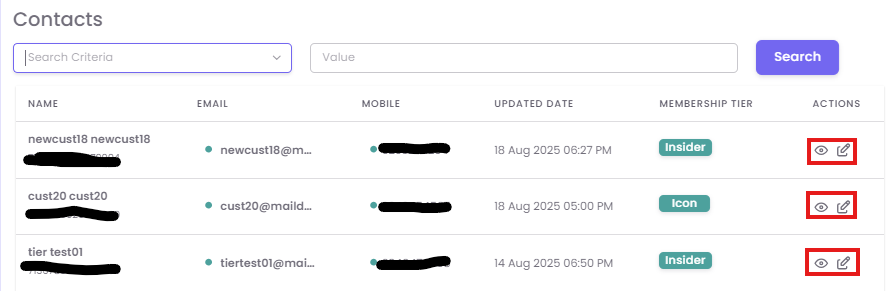
From the list of contacts, locate the customer you wish to view. In the Actions column on the far right, click the View (eye) icon to open their detailed C360 profile.