
Part 3: Managing Customer Information and Status
A. Editing Personal Details
You can easily update a customer's information directly from their profile.
-
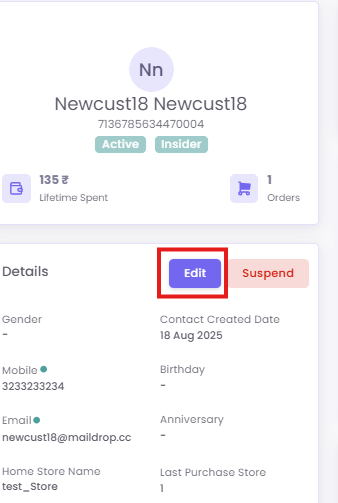
In the Details section, click the Edit button.
-
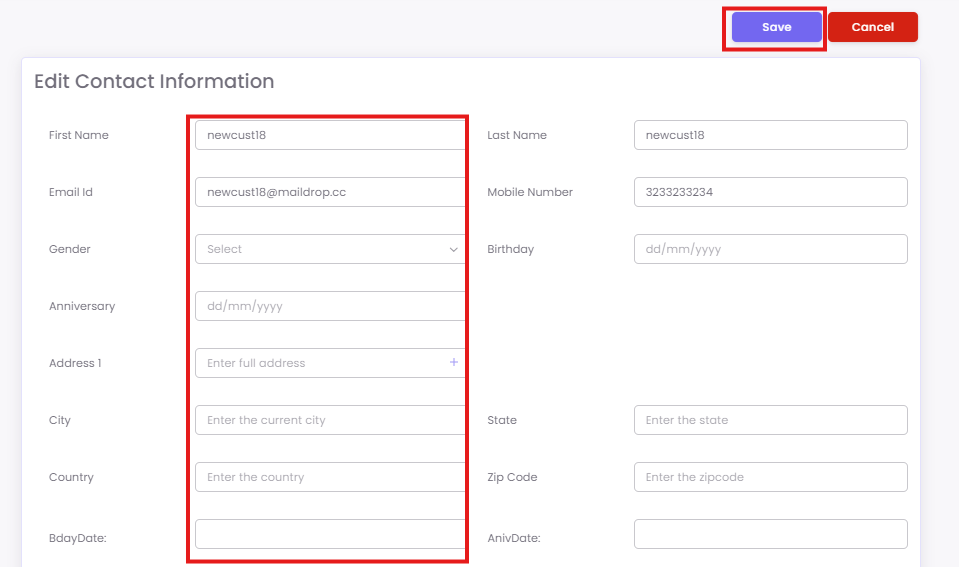
The Edit Contact Information screen will appear, allowing you to modify the customer information. After making your changes, click Save.
B. Suspending a Contact
If necessary, you can suspend a customer's account by clicking the
This will remove customer from the Loyalty Program.