Navigate to OTP & Alerts
Step1: Navigating to the OTP & Alerts Section
-
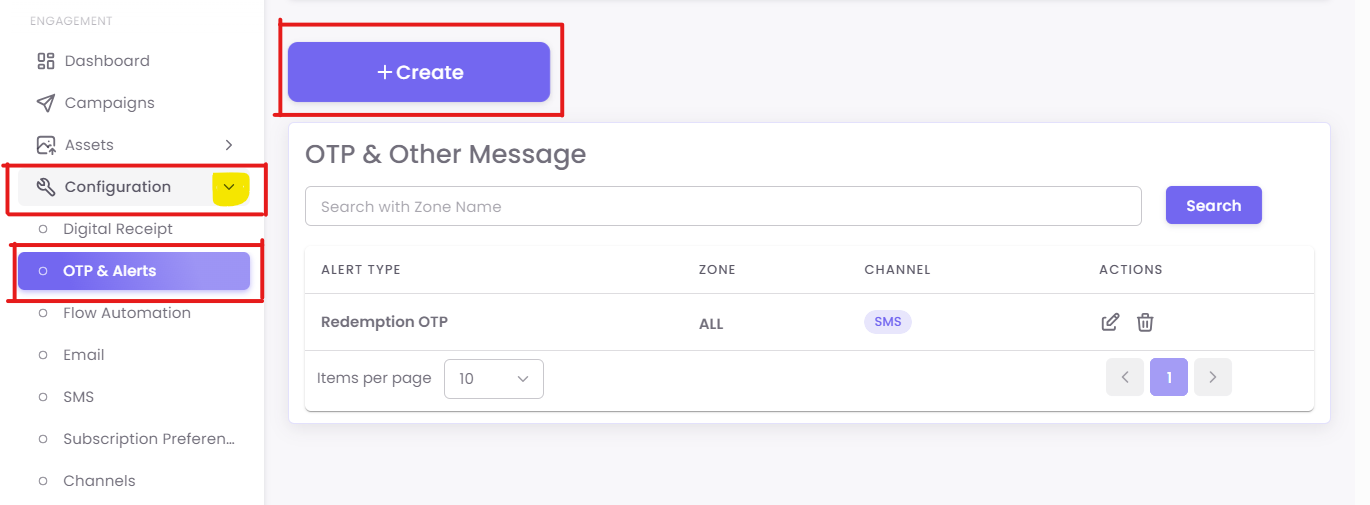
From the main dashboard, navigate to the left-hand menu.
-
Click on Configuration under the Engagement section.
-
Then, select OTP & Alerts from the submenu.
Step2: Creating a New Alert
To create a new alert:
-
Click the +Create button on the top right.
-
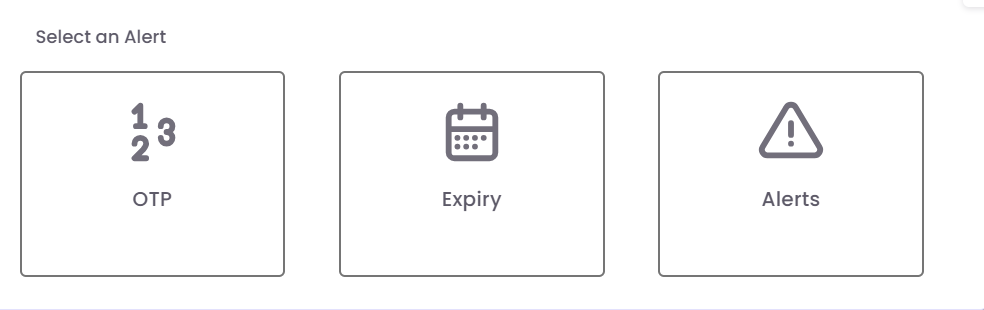
A pop-up window will appear prompting you to select the alert type:
-
OTP
-
Expiry
-
Alerts